eBay Error 120: Account Not Ready (Complete Verification Guide)
Learn how to fix Error Code 120 by verifying your identity, linking your bank account for payouts, and completing your eBay seller registration.
If you try to publish a draft and SellBotAI halts the process with an Error Code 120: Account Not Ready banner, it means eBay has temporarily blocked your account from creating live listings.
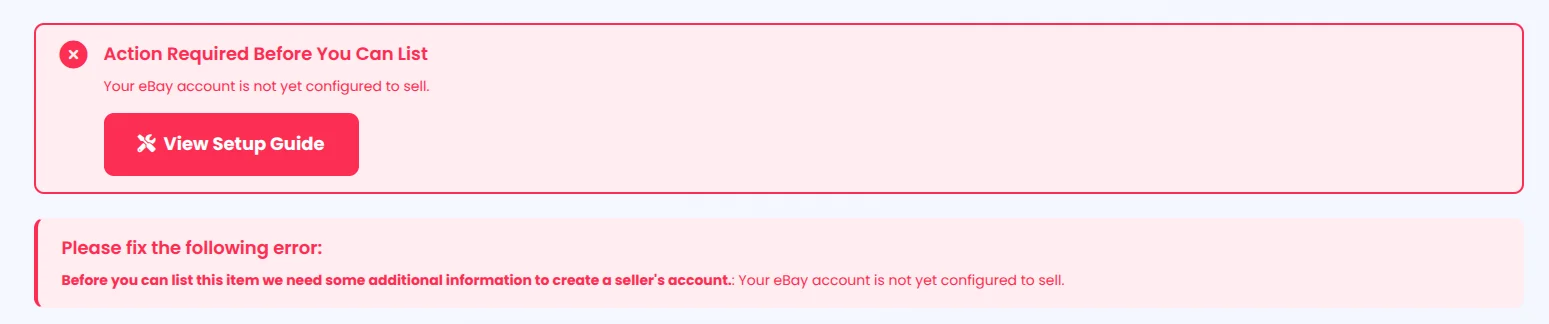
This happens because eBay requires all sellers to fully verify their identity and configure their payout methods before their first listing can go live. SellBotAI cannot bypass this restriction. To clear the error and get back to automating your listings, you must complete your seller onboarding directly on eBay's platform.
Step 1 Confirm Your Identity & Tax Info
To sell on their marketplace, eBay must confirm your legal identity. Log into your eBay Seller Hub and look for an alert banner at the top of your dashboard prompting you to update your account details.
Uploading ID Documents
eBay may require you to provide a Social Security Number (SSN), Employer Identification Number (EIN), or upload a photo of a valid government ID. If document upload is required, ensure your files meet eBay's strict criteria:
Step 2 Link Your Bank Account
eBay manages all seller checkouts and payouts internally. You must link a valid checking account or Visa/Mastercard debit card to receive your funds.
- For a personal account, your first name and last name must be identical on both your checking account and your eBay account.
- For a business account, the registered business name on your checking account must match the business name on your eBay account exactly.
Step 3 Verify Your Bank Details
Once you link an account, eBay has to prove you own it before they lift the account hold. They offer three verification methods:
Verification Methods
- Direct Login (Fastest): If your bank is listed in eBay's portal, you can select it and log in directly with your banking credentials for instant verification.
- Microdeposits: eBay can send two small payments to your checking account. This takes 2-4 business days. Once they arrive, return to your eBay dashboard and enter the exact amounts to verify ownership.
- Bank Statement: If digital verification fails, eBay will request a color PDF of a recent bank statement (under 3 months old). They do not accept screenshots or voided checks.
Step 4 Final Checklist
If you have verified your identity and linked your checking account on eBay but SellBotAI is still showing the Error 120 banner, double-check these final requirements:
- Business Policies: Ensure you have opted in and created your Payment, Shipping, and Return policies on eBay. (See our Detailed Business Policies Guide).
- Refresh SellBotAI: Navigate to your SellBotAI Settings page and click Refresh from eBay to pull your updated account status.